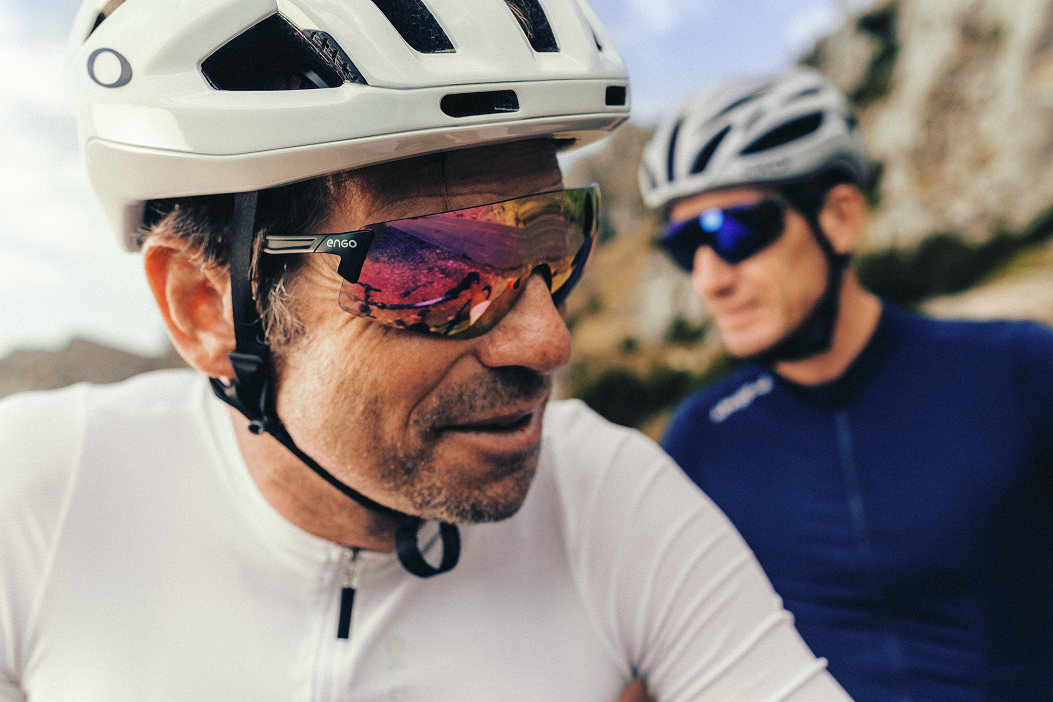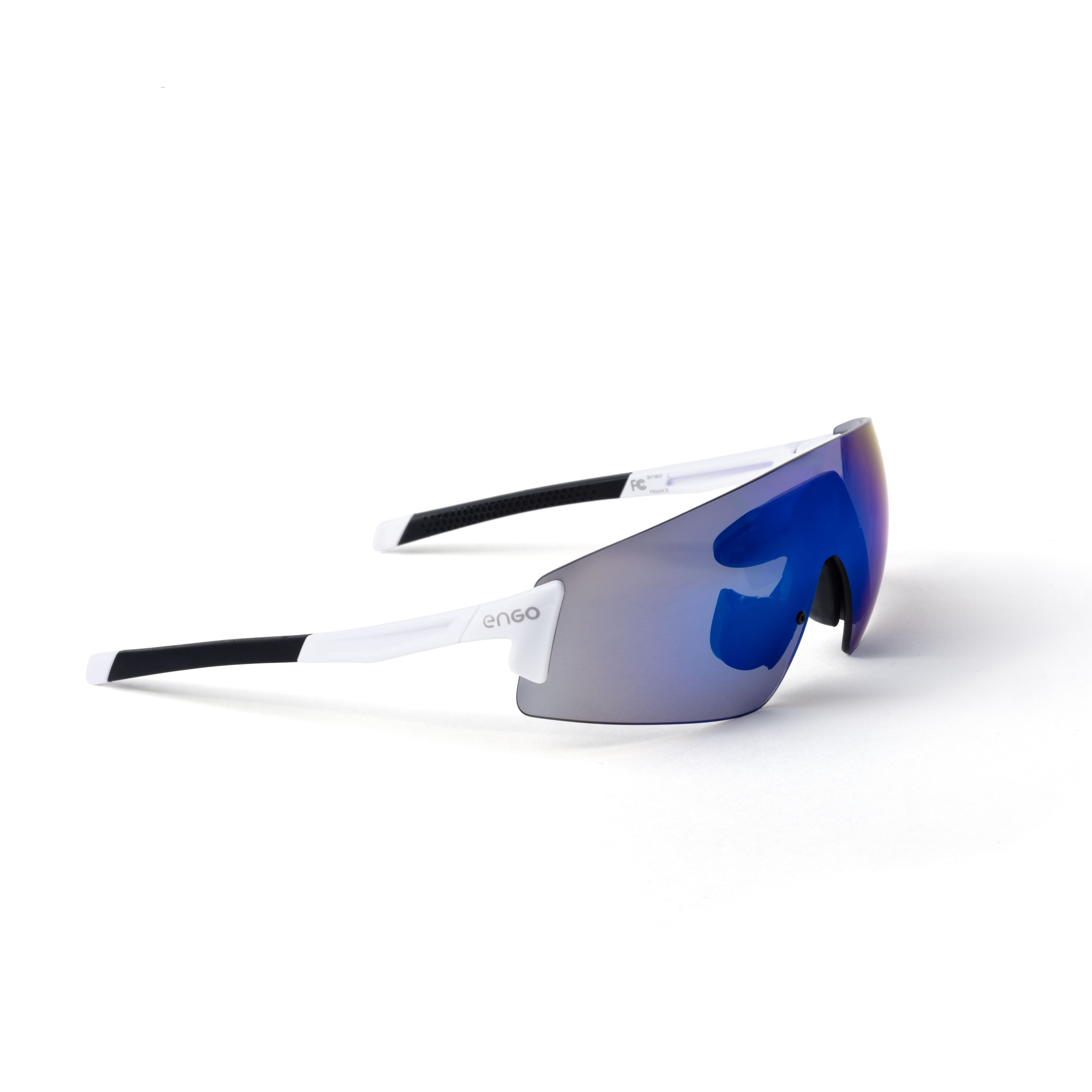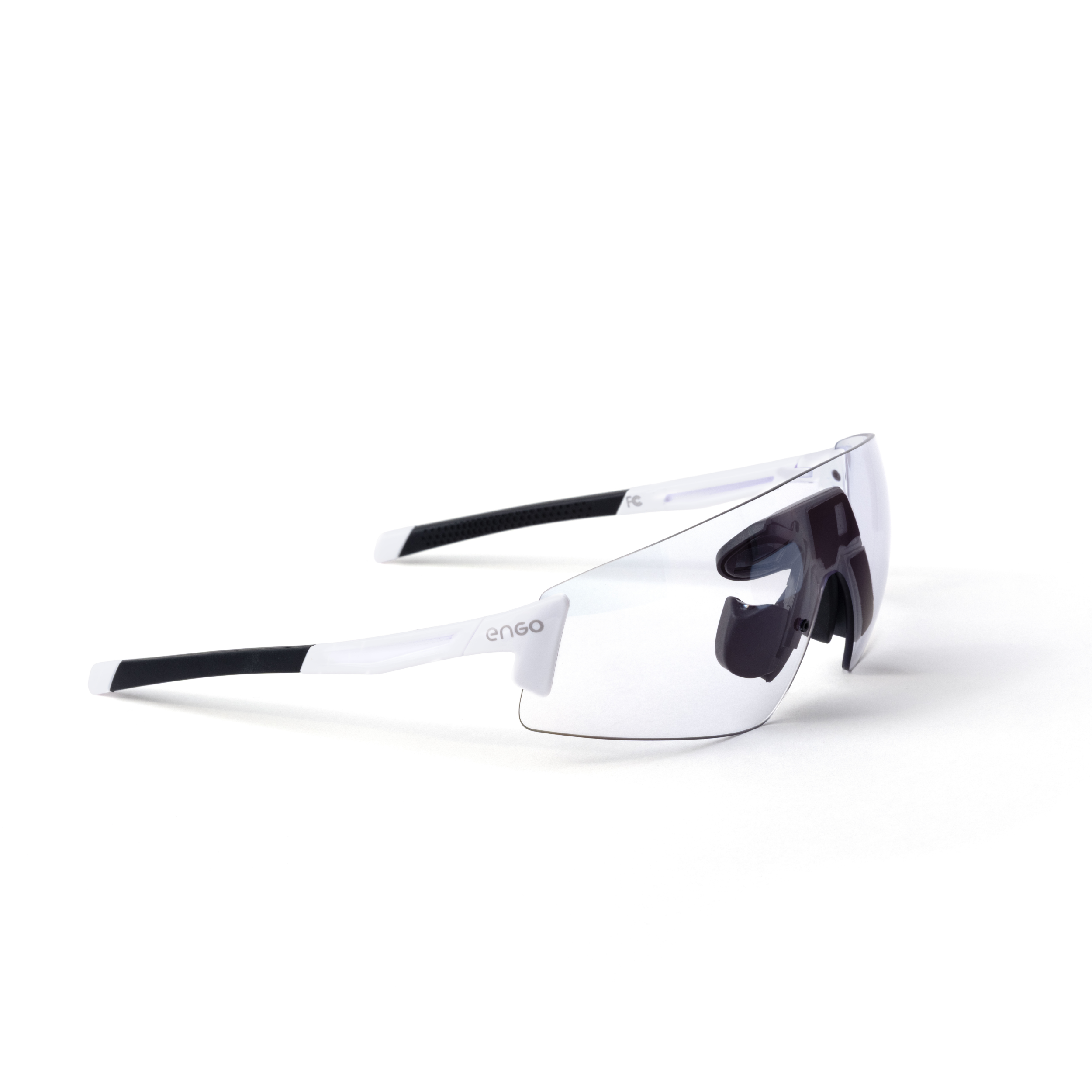
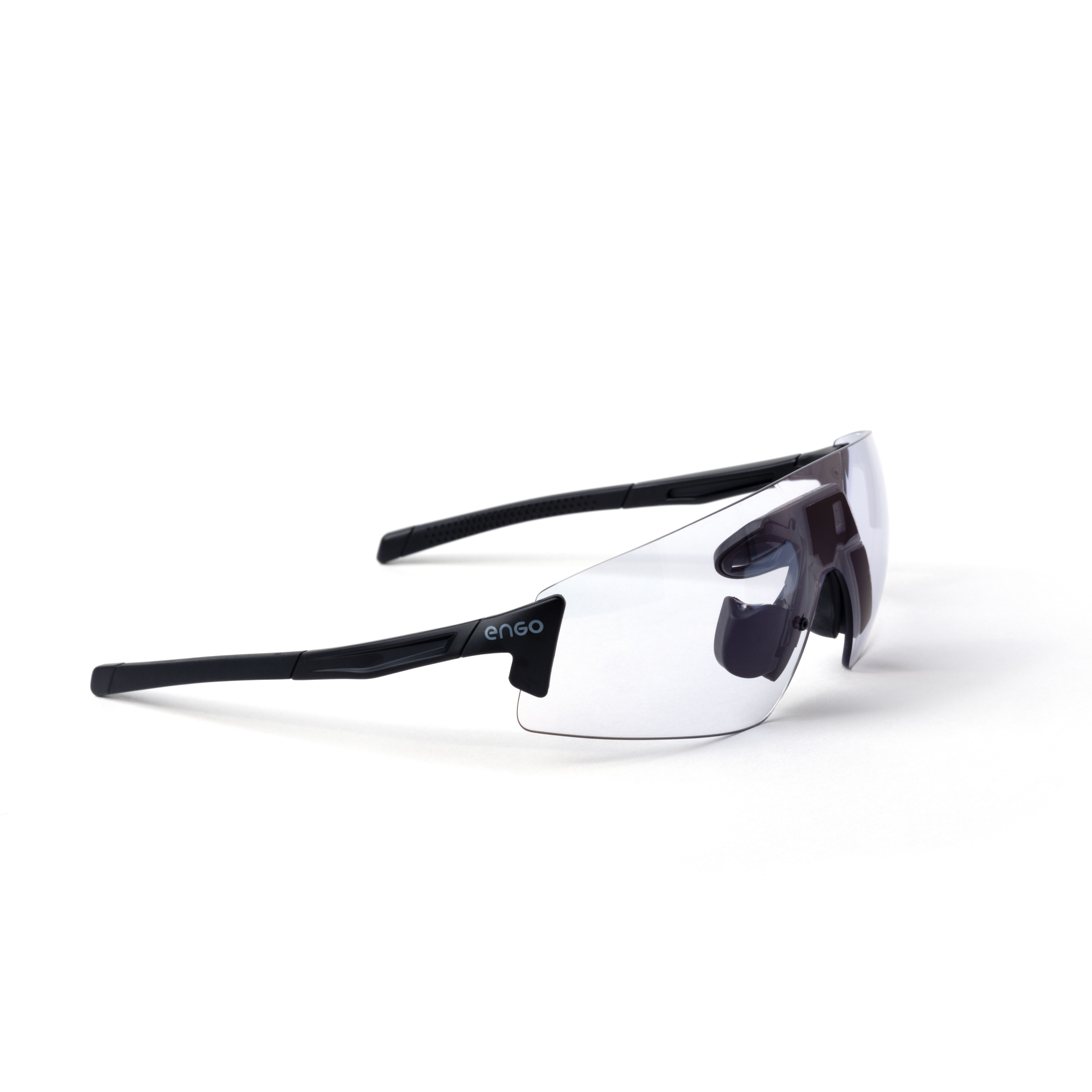
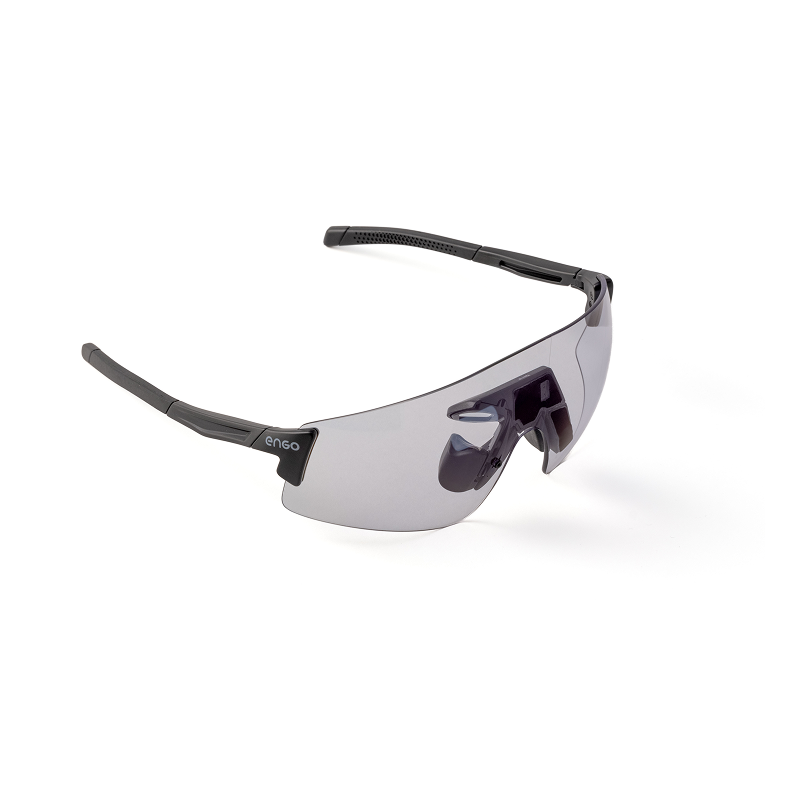
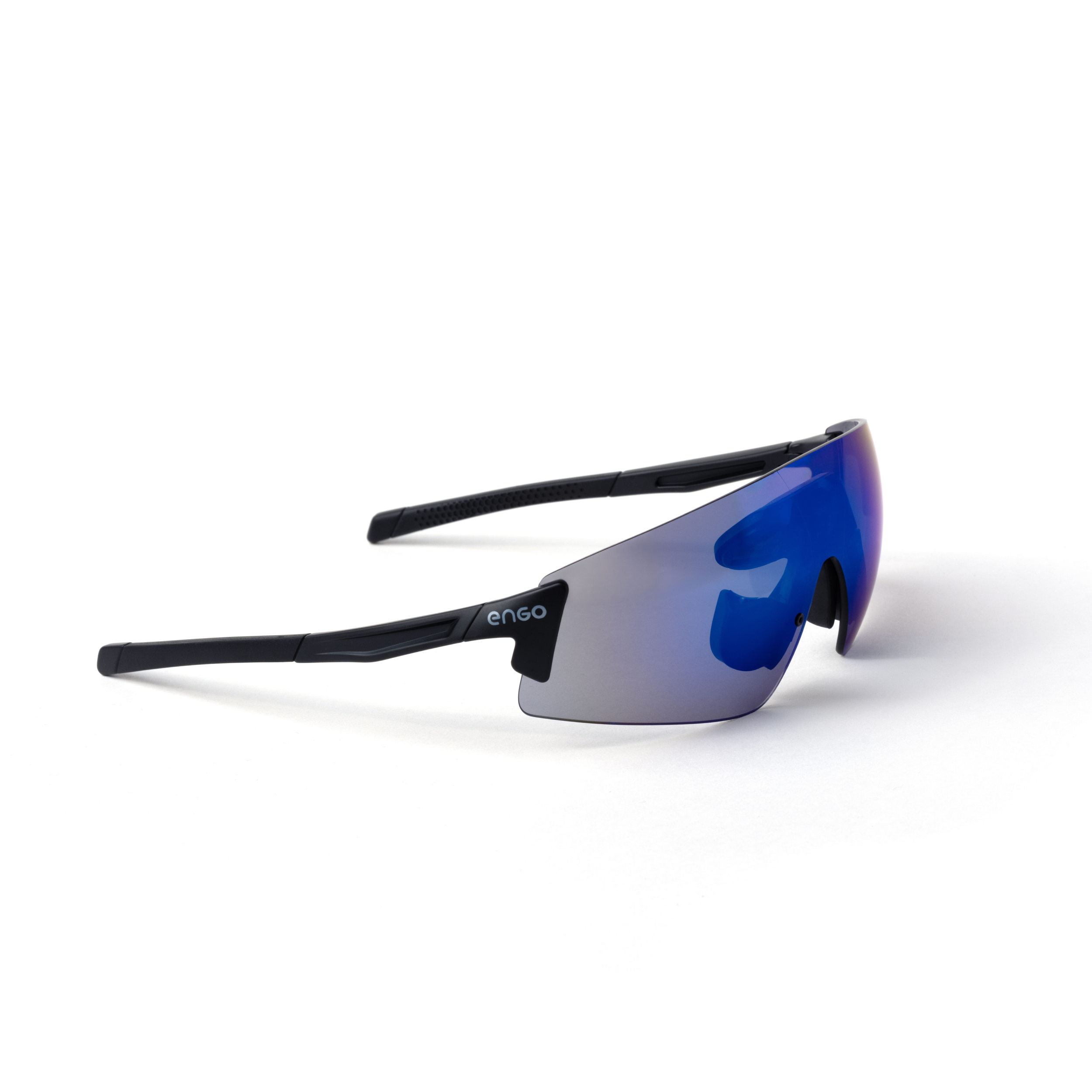
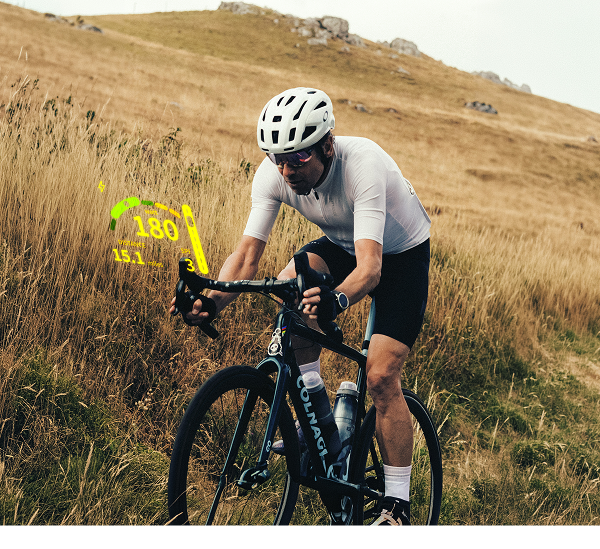
engo3 puts a rear radar feed in your line of sight. No head turns, no glance down at your Edge. Here is exactly how that works, what shows up in your HUD, and where the current limits are.
The short version
Your radar does not pair to your glasses. It pairs to your Garmin Edge or Garmin Watch, the same way it already does today. engo3 then reads the radar data your Garmin device is already receiving and displays it in your HUD, alongside your other ride metrics.
One radar. One Garmin device. Two screens showing the same feed: your Edge or Watch, and now your glasses.
The data flow, step by step
- Your radar talks to your Garmin device. A Garmin Varia radar, or another ANT+ radar recognized as a Radar sensor, pairs directly to your Garmin Edge or Garmin Watch. This pairing works exactly as it always has. engo3 is not part of it.
- Your Garmin device processes the signal. Distance, closing speed, and threat level are calculated on the Edge or Watch, the same way they are today when you look down at your radar data field.
- engo3 reads that data from your Garmin device. Your glasses connect to the same Garmin Edge or Watch your radar is paired to, the same connection engo3 already uses for power, pace, and your other data fields.
- The feed appears in your HUD. Distance and closing speed render directly in your field of view, updated the instant your Garmin device receives them. The widget doesn't change color based on threat level, that stays on your Garmin device's own display.
Why this matters: engo3 never connects to your radar directly, and it does not change how your radar behaves. It reads the same feed your Edge or Watch already produces. If a reading looks off, your radar and your Garmin device are the first place to check, not your glasses.
What you see in the HUD
- Distance to the closest approaching vehicle
- Closing speed
- If connection is working between your radar and your Garmin device
No separate app, no extra screen to configure. Once your glasses and your Garmin device are paired, the radar field sits alongside your power zones, pace, and the rest of your ride data.
Setting it up
- Pair your radar to your Garmin Edge or Garmin Watch, exactly as you would without engo3.
- Pair your engo3 to that same Garmin device through the companion app, if you haven't already.
- In the companion app, go to My screen set and turn on the Bike Radar toggle.
- Start your ride. The radar field appears automatically in your HUD data rotation.
If you already ride with a radar and a Garmin device, there is no new pairing to do. Just turn on the Bike Radar toggle in My screen set, and the radar field starts showing up once your engo3 is connected.
Compatibility
Radars. The integration works with Garmin Varia radars, and with other ANT+ radars that your Garmin Edge or Watch recognizes as a Radar sensor. If your Garmin device already displays a radar data field today, engo3 will read that same field.
Garmin devices. Currently confirmed to work without issue on Edge 540, 840, 1040, 1050, and Edge Explore. Edge Explore 2 is not compatible.
Apple Watch. The radar screen is not yet available on iOS. If you pair engo3 with an Apple Watch, radar data will not display in your HUD at this time.
Known limitation: Garmin Edge Series 30 (530 / 830)
If you ride with an Edge 530 or Edge 830, there is a sensor limit worth knowing before you head out.
These two models can lose connection to sensors mid-ride when too many are paired at once. A radar on its own, or a radar plus one other sensor, works fine. A radar plus a cadence sensor plus a power meter, all paired at the same time, carries a meaningfully higher risk of a dropped connection partway through your ride.
This is not a fault in engo3 or in your radar. It's a limitation of the Edge 530 and 830 themselves, confirmed by Garmin support, and it exists independently of engo3. We're keeping these models on our compatibility list because removing them would also block the data field for riders already using it. If you ride an Edge 530 or 830 with a full sensor setup, expect the occasional dropout, and reach out to us if you want help prioritizing which sensors to keep paired.
FAQ
Do I need engo3 Cyclist specifically, or does this work on any engo3?
Radar integration runs on the full engo3 platform, not just engo3 Cyclist. engo3 Cyclist adds a wider frame built for road and gravel positions, but the radar feed itself works the same way across the engo3 range.
Does engo3 improve my radar's range or refresh rate?
No. engo3 displays exactly what your Garmin device already computes. Range, refresh rate, and detection distance are determined by your radar and your Garmin device, not by your glasses.
Can I use a non-Varia ANT+ radar?
Yes, as long as your Garmin Edge or Watch recognizes it as a Radar sensor and displays a radar data field on its own. engo3 reads that same field regardless of the radar brand.
What if my radar shows up on my Garmin but not in my HUD?
In the engo3 app, check that the Bike Radar toggle is turned on in My screen set, that your engo3 is paired to the same Garmin Edge or Watch your radar is connected to, and that you're on the latest engo3 software.